Launch offer — 20% OFF with code  20OFF

Your screenshots,
finally organized.

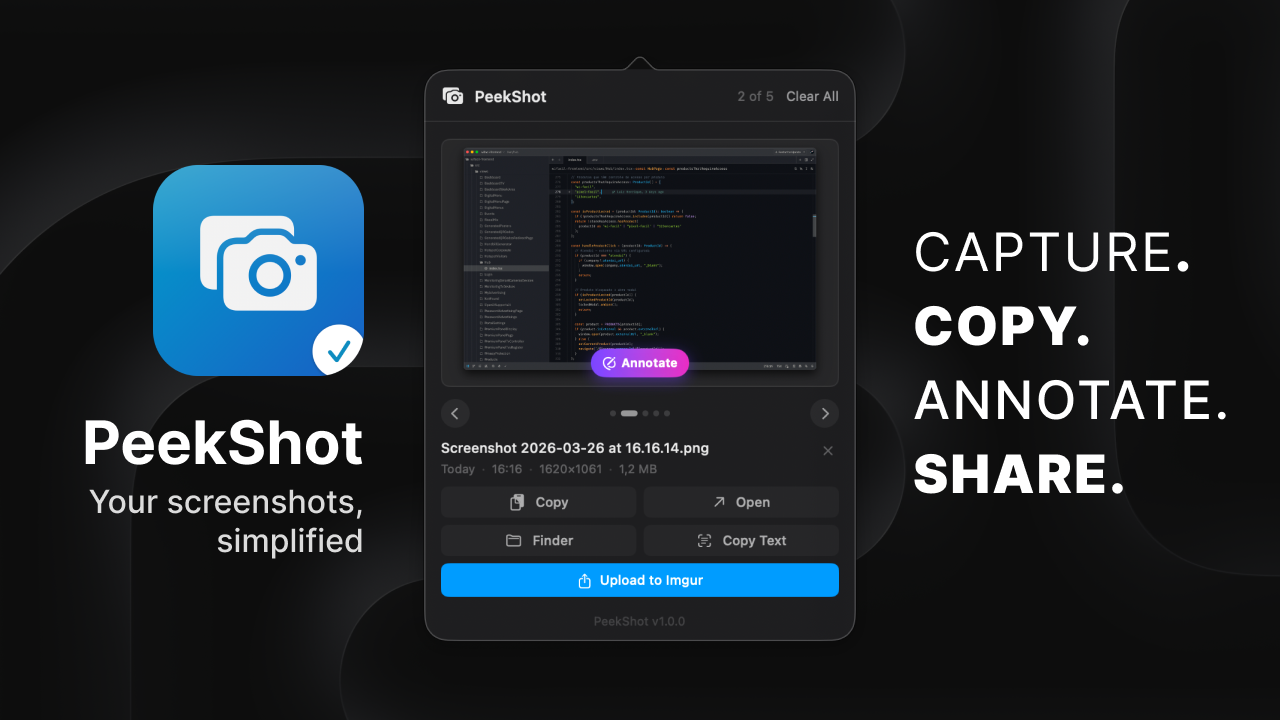
PeekShot lives quietly in your menu bar and automatically captures, annotates, and shares every screenshot you take — with zero effort.

14-day free trial · No credit card · macOS only

Signed & Notarized by Apple  ·  Universal (Apple Silicon & Intel)

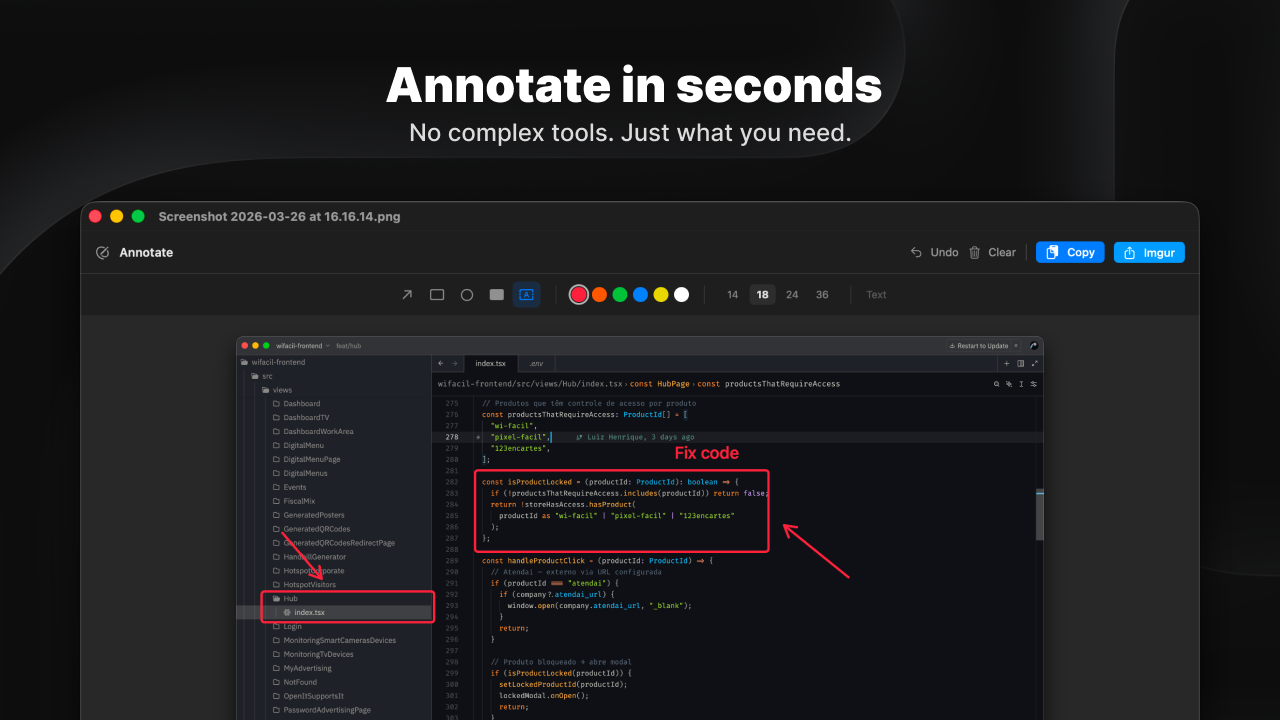
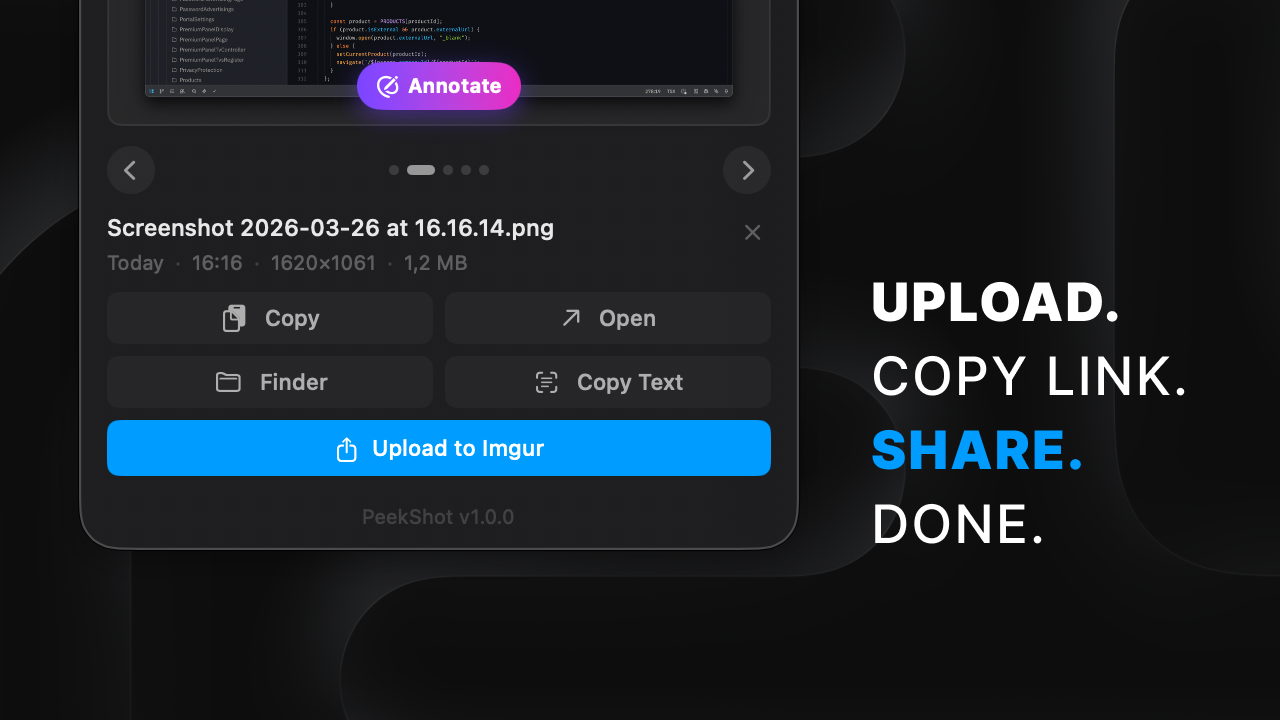
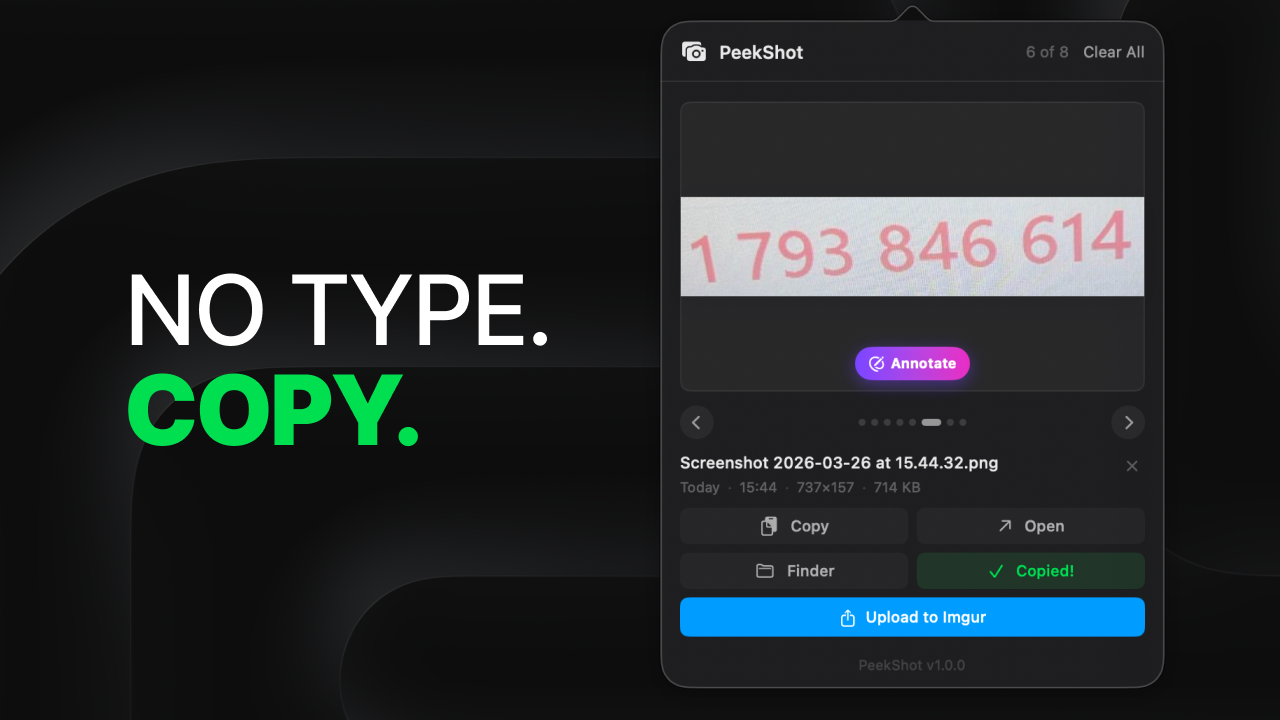
Capture. Copy. Annotate. Share. Annotate in seconds Upload. Copy link. Share. Done. No type. Copy.

Who uses PeekShot

Honest as it gets.

We built PeekShot because we needed it. We use it every single day. That's the whole story.

CREATOR
L

Luiz Henrique

Developer & designer · Builder of this thing

"macOS gives you two options: save to Desktop and go hunt for it later, or keep it in the clipboard and lose it the moment you copy something else — and neither lets you edit on the spot. That gap annoyed me enough to build PeekShot."

📸 Using since day 0

FIRST USER
N

Nicolas Pimenta

Developer · Guinea pig #1

"He sent me a .dmg and said 'try this'. I opened it, took a screenshot, and it just appeared. No setup. The annotation tool is dead simple — no bloat, just what you need. And the fact that it catches iPhone screenshots automatically? That alone hooked me."

✓ Unsolicited opinion (well, almost)
2 real users · 0 fake reviews · 100% built by people who use it — be the next one.

Features

Everything you need.
Nothing you don't.

One tiny menu bar app that replaces a dozen tools — and stays completely out of your way.

Automatic Capture

Every screenshot appears instantly. No import, no extra steps — it just works in the background.

Annotations

Arrows, shapes, highlights and text directly on your screenshots. Fast canvas, no heavy apps.

Auto QR Detection

Detects one or multiple QR codes in any screenshot automatically. Copy the value or open it directly in the browser if it's a link.

Copy Text from Images

See text in a screenshot? Copy it instantly — no retyping. Works on code, error messages, receipts, anything.

Color Picker

Pick any color from anywhere on screen. Full history of every color you've sampled.

Imgur Upload

One click to upload to Imgur and copy the public link — ready to share anywhere.

iPhone Integration optional

Images copied on iPhone appear via Universal Clipboard — automatically, no AirDrop needed.

Clipboard Watcher optional

Enable it and PeekShot captures any image you copy — from a browser, Finder, or any app. Never lose a copied image again.

Local Backups optional

Enable it in settings and PeekShot keeps a permanent copy of every screenshot — even if the original is deleted from your Desktop.

Global Shortcut

Press ⌘⇧Space from anywhere to open PeekShot instantly.

Full Library

Keeps your last 100 screenshots organized and one click away. Clear all anytime — you're always in control.

Drag & Drop

Drag any screenshot directly from PeekShot and drop it wherever you need — no export, no Finder.

The app up close

Built for every task.

Four dedicated windows. Each one stripped down to exactly what you need — nothing more.

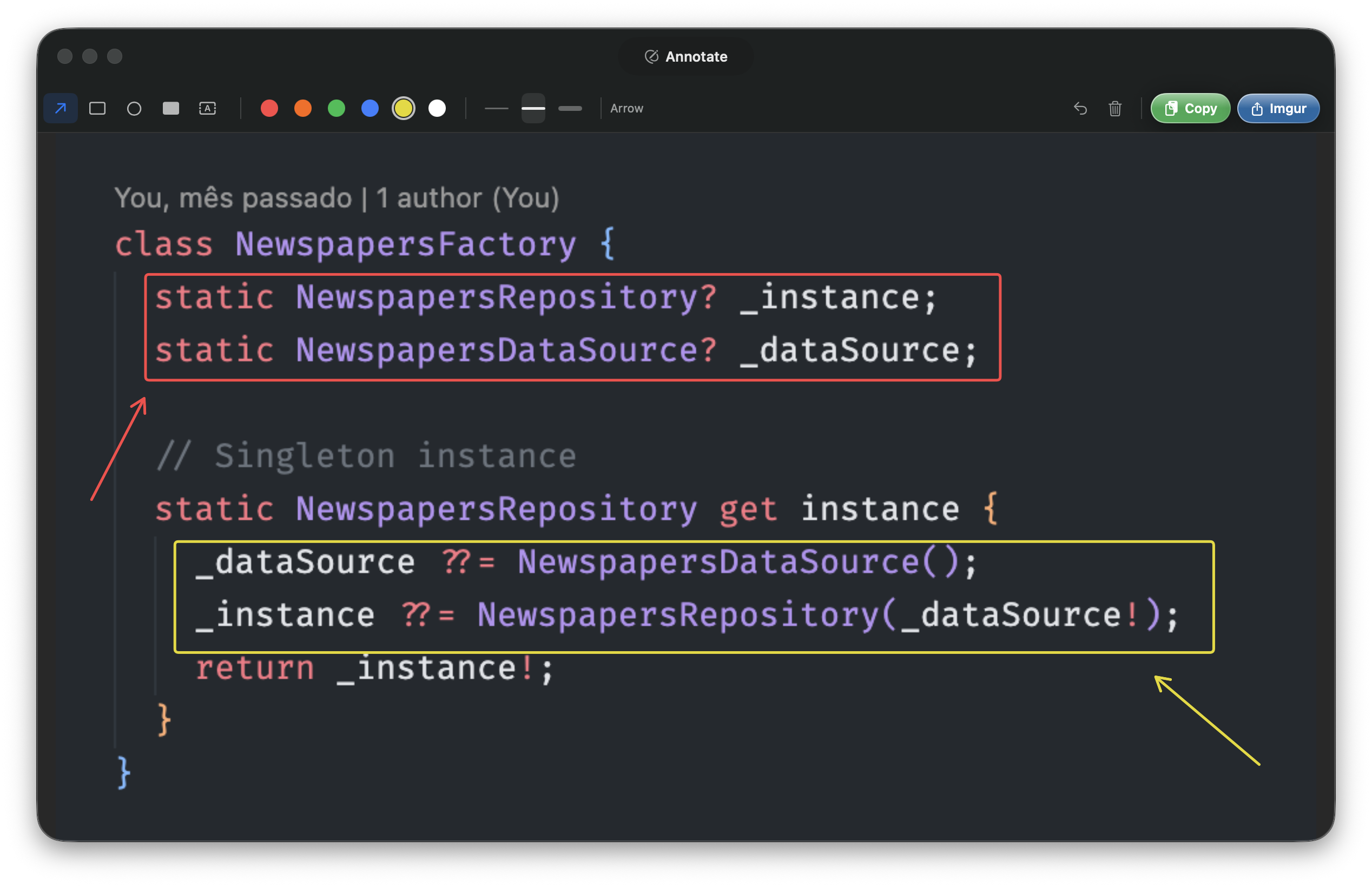
Annotation editor — draw arrows, shapes and highlights directly on screenshots
Annotate

Draw, highlight and mark what matters

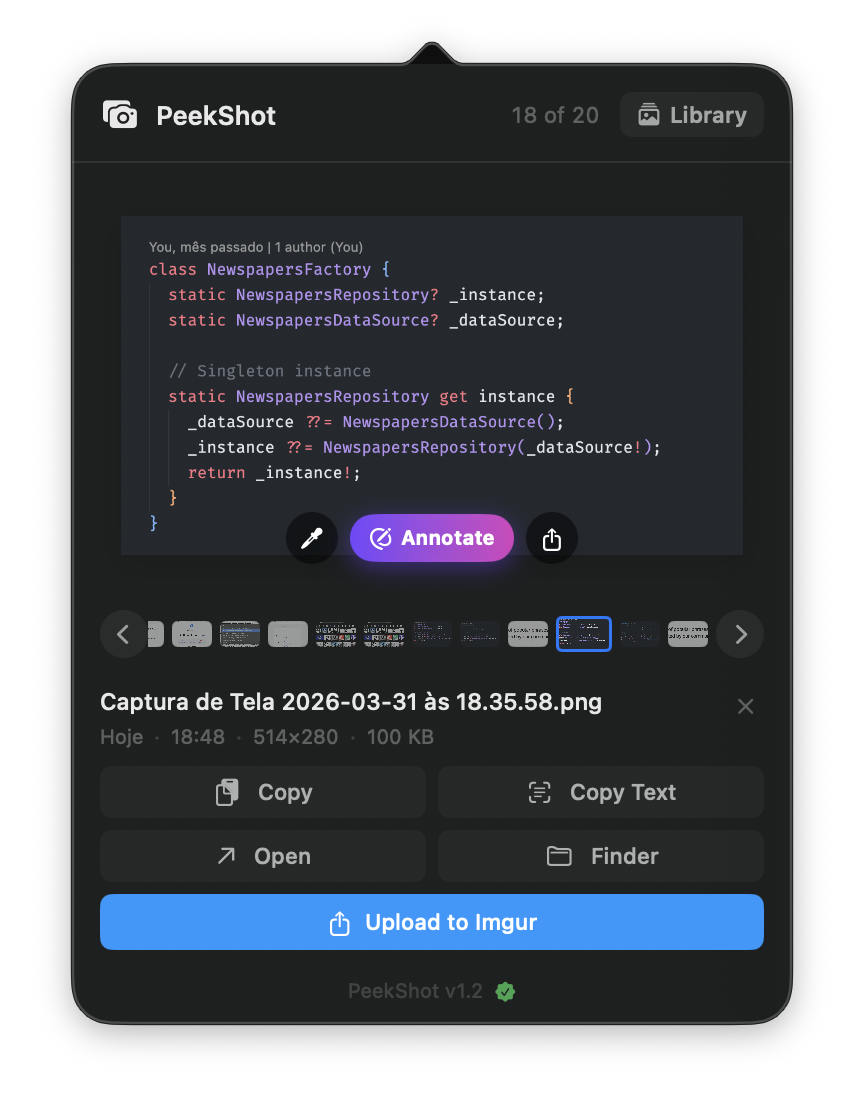
PeekShot main popover — your latest screenshots one click away
Menu Bar

One click away, always ready

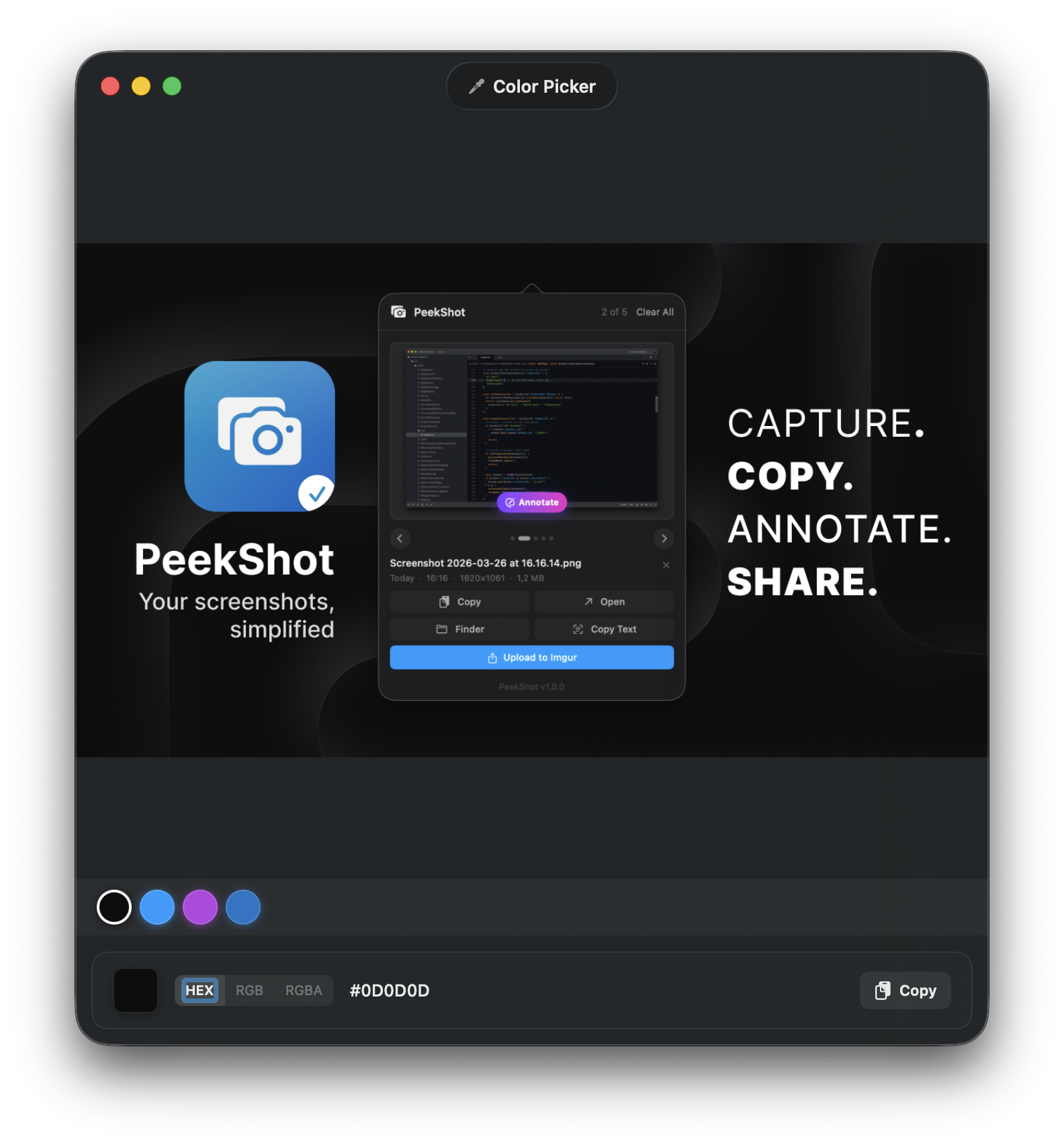
Color Picker — sample any pixel on screen with full history
Color Picker

Sample any pixel, keep the history

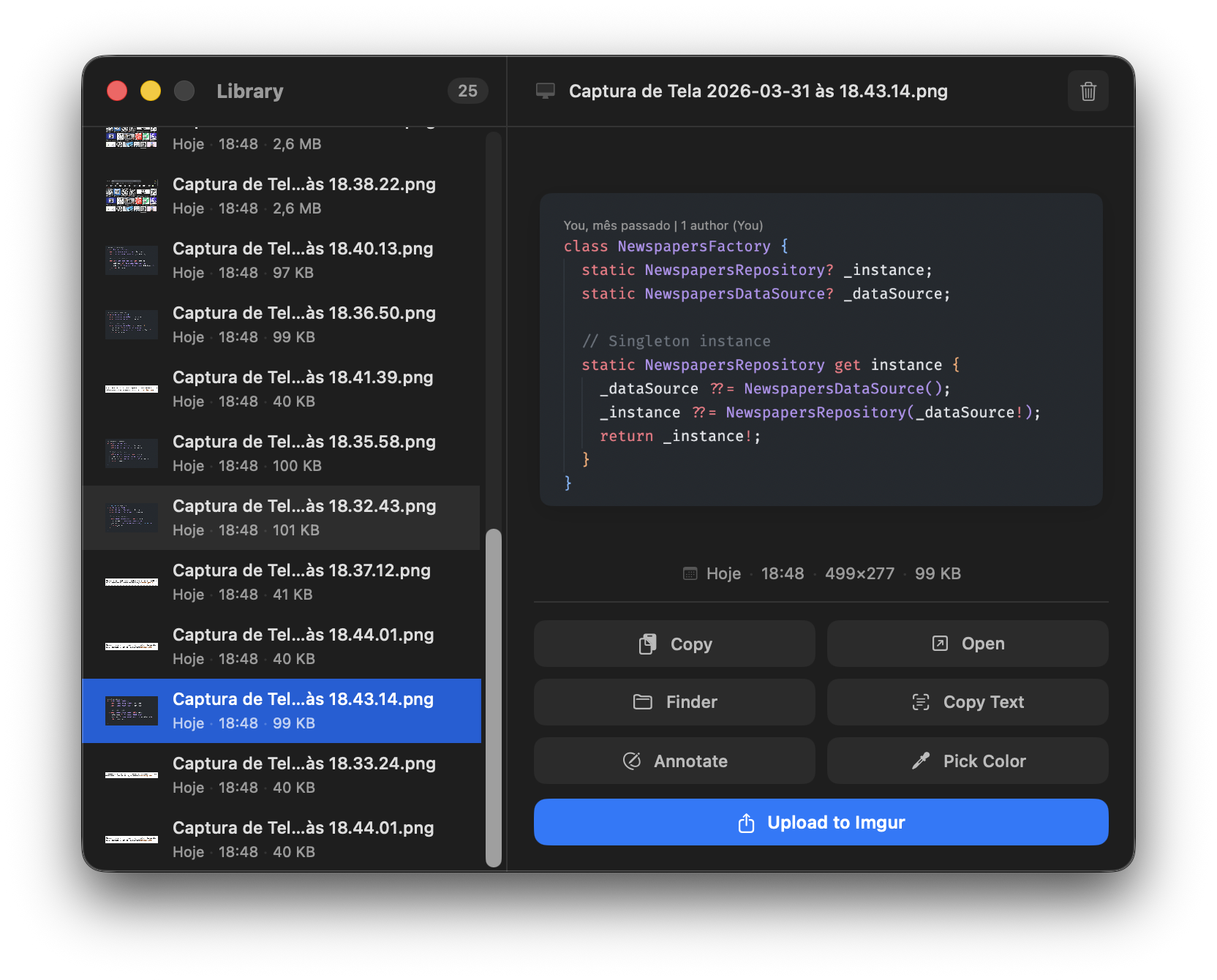
Screenshot Library — full history, searchable and always at hand
Library

Last 100 shots, always at hand

How it works

Up and running
in 30 seconds.

No configuration, no learning curve. It just runs silently in the background.

1

Download & Launch

Open PeekShot. It appears in your menu bar — no dock icon, no wizard.

2

Take a Screenshot

Use macOS's native tool as usual. PeekShot captures it automatically.

3

Click the Icon

Open the popover to annotate, copy, upload or share — all in one place.

4

Never Lose a Shot

Your last 100 screenshots, always safe and at hand. Clear all whenever you want.

Pricing

Pay once.
Use forever.

No subscription. No hidden fees. One honest price.

Free Trial

$0

14 days · All features unlocked

  • All features unlocked
  • No credit card required
  • Capture, annotate & share
  • QR detection & color picker
  • iPhone integration
Download Free Trial
🔥 20% OFF · Ends Apr 20

Lifetime License

$11.99 $14.99

One-time · Coupon  20OFF  at checkout

  • Lifetime license — pay once
  • All current & future features
  • Capture, annotate & share
  • QR detection & color picker
  • iPhone integration
  • Local backups forever

macOS only · Direct sale — no App Store markup · License key sent to your email

FAQ

Questions.

macOS lets you take screenshots — but it doesn't organize them, annotate them, detect QR codes, upload them, or sync from your iPhone. PeekShot fills every gap, automatically.
The app locks and stops capturing new screenshots. Your existing library stays visible. Enter a license key to unlock everything instantly — no re-download needed. Your key is sent to your email right after payment is confirmed.
No. PeekShot is a one-time purchase. $11.99 with coupon 20OFF, or $14.99 after April 20. You pay once and use it forever.
Never. All screenshots stay on your Mac. No account required. The only network requests are for license validation and update checks.
No. PeekShot captures images via Universal Clipboard — anything copied on your iPhone appears automatically on your Mac. A Siri Shortcut is also included to forward iPhone screenshots automatically.
100% native Swift and SwiftUI. No Electron, no web views. Tiny footprint — runs as a menu bar agent with no dock icon.

Ready to take control
of your screenshots?

Start your 14-day free trial. No credit card. All features unlocked from day one.

Download Free Trial

macOS only · Promo ends April 20, 2026